
- Home›
- News›
- Link Your Driving License To Your Mobile Number Online — No RTO Visit Required, Just A Few Minutes From Home
Link Your Driving License To Your Mobile Number Online — No RTO Visit Required, Just A Few Minutes From Home
By: Priyanka Maheshwari Fri, 31 Oct 2025 4:41:00
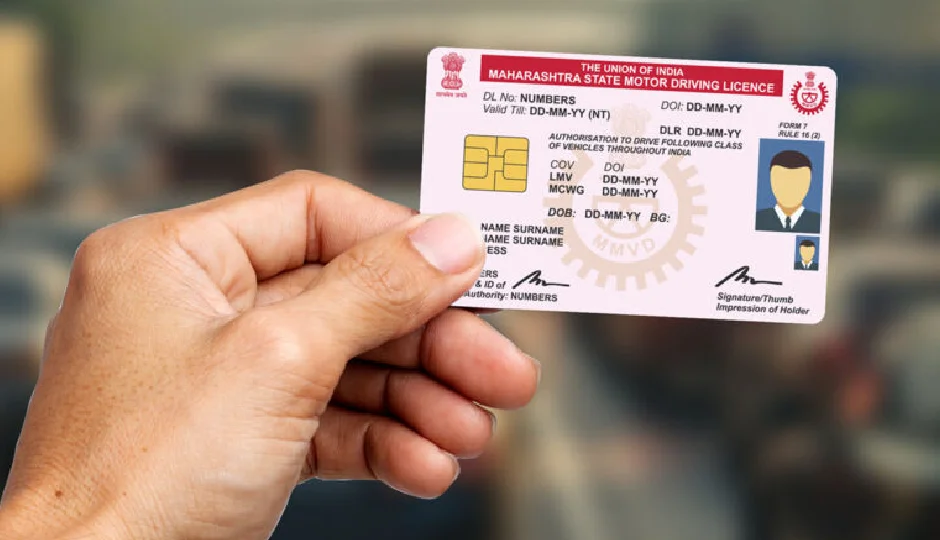
If you still haven’t linked your driving license (DL) to your mobile number, now is the perfect time to do it. Thanks to the Digital India initiative, this essential update can be completed online in just a few minutes — no more waiting at the RTO or dealing with paperwork. What once required physical visits and long queues can now be done with just a few clicks from your smartphone or laptop. Linking your mobile number to your DL ensures smoother access to government services, better security, and hassle-free management of your driving-related documents.
Why You Should Link Your Mobile Number with Your Driving License
Many people often wonder why linking their mobile number with their driving license is necessary. In reality, it’s an important step toward a more secure and efficient digital experience. Once your mobile number is linked, you gain direct access to multiple online services — such as renewing your DL, updating your address, or checking the status of your license — all from your device.
In case of traffic violations or important updates, OTPs and alerts from the RTO are sent directly to your registered mobile number. This ensures transparency and security, preventing unauthorized access or misuse. Without linking your number, you might miss crucial notifications or face issues while verifying or recovering your DL.
# How to Link Your Mobile Number Online — A Step-by-Step Guide
The entire process can be completed easily from home without visiting the RTO. Follow these steps carefully:
- Go to the official Transport Department website.
- Choose the ‘Update Mobile Number’ or ‘Link Mobile Number’ option.
- Enter your driving license number, date of birth, and other necessary details.
- Provide your mobile number and click on ‘Generate OTP’.
- You will receive an OTP on your mobile. Enter it to verify your number.
- Once verified, your number will be successfully linked to your DL.
If you experience delays in receiving the OTP or the site shows an error, wait for a few minutes and retry. Ensure that you enter your own mobile number — never share OTPs or login details with anyone to maintain security.
# Benefits of Linking Your DL to Your Mobile Number
Completing this process online brings several key advantages:
Time and effort savings: No need to stand in RTO queues or fill out lengthy forms.
Instant updates: All license-related changes, renewals, or alerts are sent directly to your phone.
Easy document recovery: In case your DL is lost or stolen, recovery becomes smoother.
Improved security: Only your registered mobile number can be used for official verification, reducing the risk of fraud.
Preparedness for new regulations: With multiple new digital compliance rules — related to Aadhaar, banking, and GST — coming into effect soon, keeping your driving license details updated ensures you stay compliant.
Linking your mobile number to your driving license is a small but significant step toward digital empowerment. It not only simplifies access to essential services but also strengthens data security and transparency. So, skip the RTO visit — grab your phone, follow a few easy steps, and get your driving license linked to your mobile number today.